Help · Getting started
Use Ipsion on the web, your Mac and your phone
The console is where you talk to your agents, watch them work and answer what they ask. You can use it in three places, all with the same account: the web, the Mac app, and the phone app for iPhone and Android.
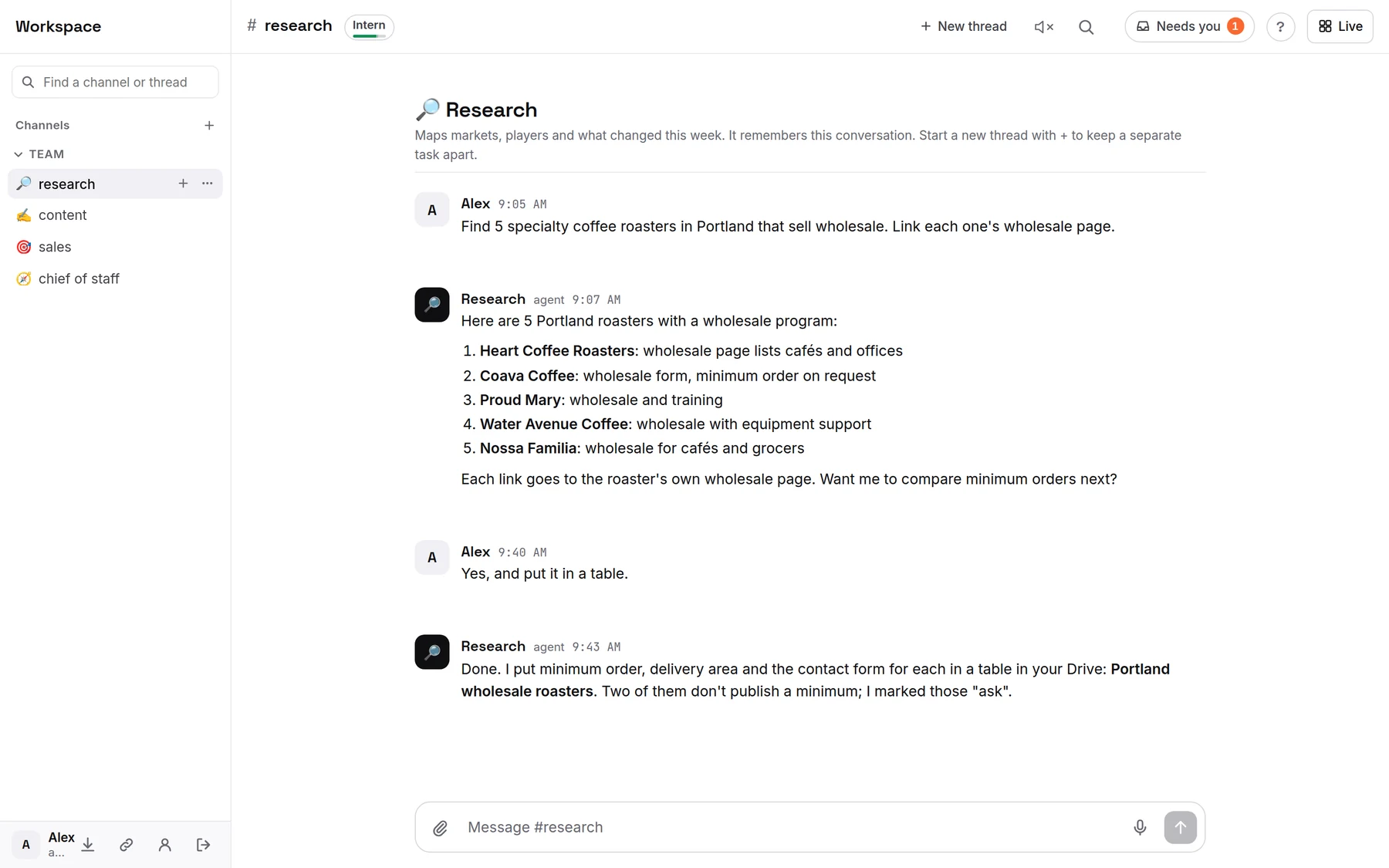
On the web
- Open ipsion.ai/trial/console in Chrome, Edge or Safari and sign in.
- To keep it one tap away: iPhone, in Safari tap Share, then Add to Home Screen. Android, add it to your home screen from the browser menu. Computer, in Chrome or Edge choose Install in the address bar. The console offers this tip itself.
- On a small screen, the menu button at the top left opens your channels; ? next to your workspace name opens help.
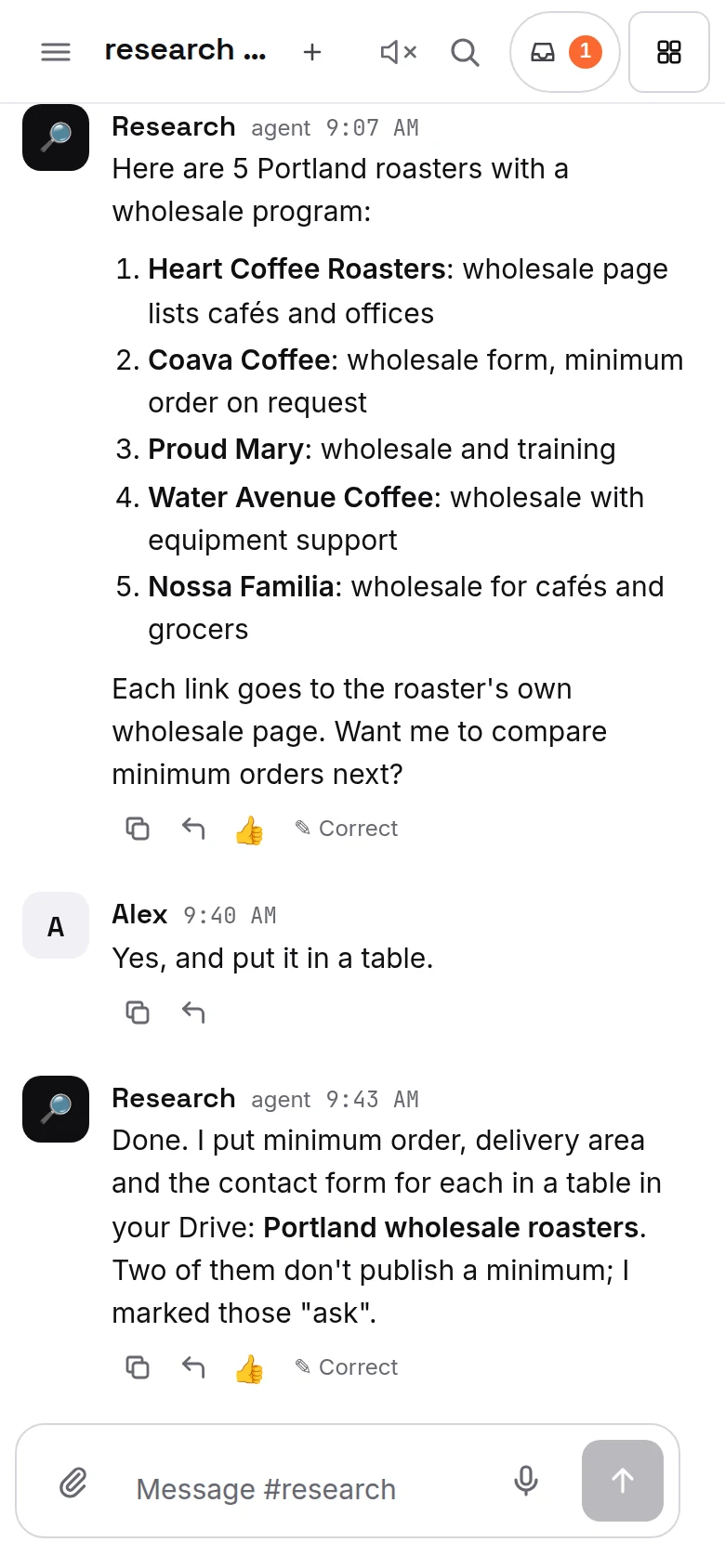
Mac app
The Mac app "Ipsion AI" is the same console in its own window, so it has everything the web has.
- Closing the window keeps it running in the menu bar. Choose Quit Ipsion AI there to quit.
- Cmd+Shift+Space brings the window back.
- Links to other sites open in your normal browser.
- The app updates itself. When an update is ready you see "Restart to update", or it installs the next time you quit.
- If you see a bar at the top saying "A new version of the Ipsion AI app is ready", download it once from that bar; after that the app updates itself.
- If the bar says "To finish updating the Ipsion AI app", click the app's icon in the menu bar (the taskbar tray on Windows) and choose Restart to update.
Phone app (iPhone and Android)
The "Ipsion" app shows your workspace, chats, threads and tasks, and Needs you (the inbox icon on its home screen). You can send a message later with the clock by the send button, and watch your agents work live, and press Take over to tap and type on their screen yourself when it offers that.
Getting the Mac, Windows and phone apps
In the web console on a computer, click the download button (the arrow at the bottom of the sidebar, next to your name) and pick your computer.
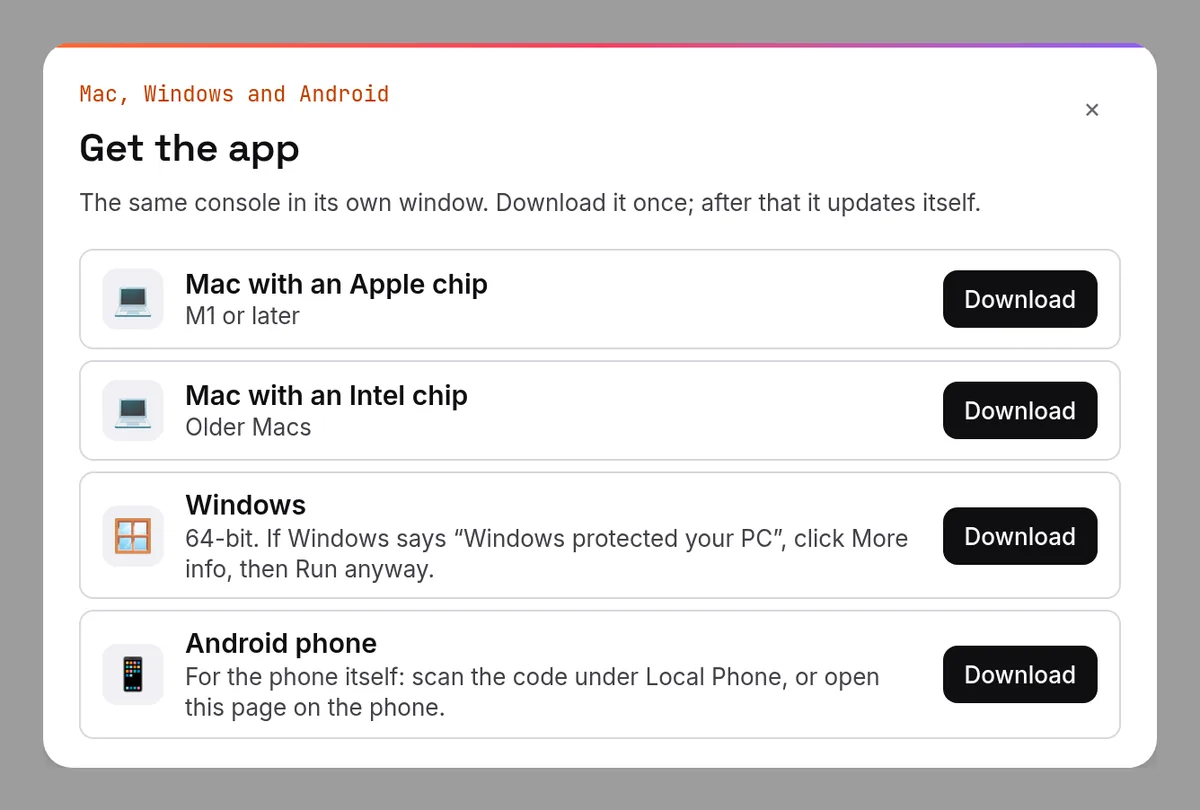
- Mac with an Apple chip (M1 or later): Ipsion-AI-mac-arm64.dmg.
- Mac with an Intel chip: Ipsion-AI-mac-x64.dmg.
- Open the file and drag Ipsion AI onto Applications. The first time you open it, your Mac asks whether to open an app downloaded from the internet: click Open.
- Windows (64-bit): Ipsion-AI-win-x64.exe. The app is not signed yet, so Windows may say "Windows protected your PC": click More info, then Run anyway. If Smart App Control blocks it with no Run anyway button, use the web console until the signed Windows app is out.
- After that the app updates itself.
The phone app is not in the App Store or on Google Play yet. During the alpha, iPhone gets it through a TestFlight invite from Apple, and Android from the download button above (or the code under Live, Local Phone). Step by step: install the phone app. For the Mac and Windows app: install the desktop app.
Didn’t answer your question? Email support@ipsion.ai and say what you were trying to do.