Help · Using Ipsion
Needs you: questions, approvals and accounts
When an agent has a question, needs your OK, or needs an account connected, it waits for you in Needs you.
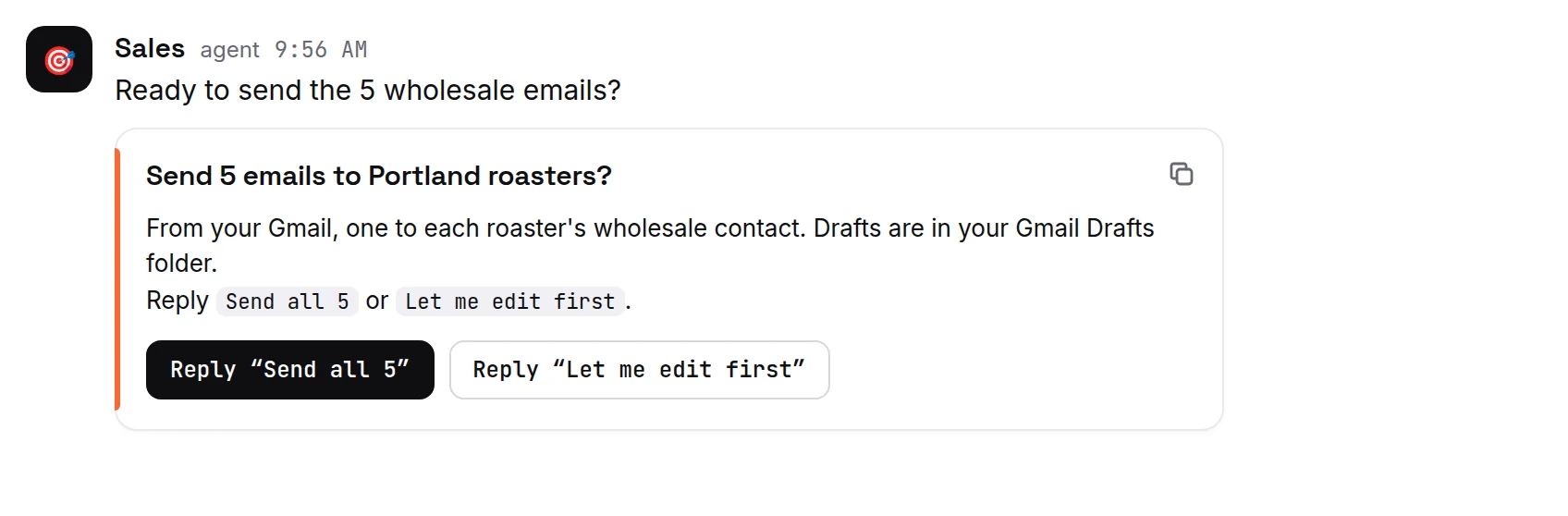
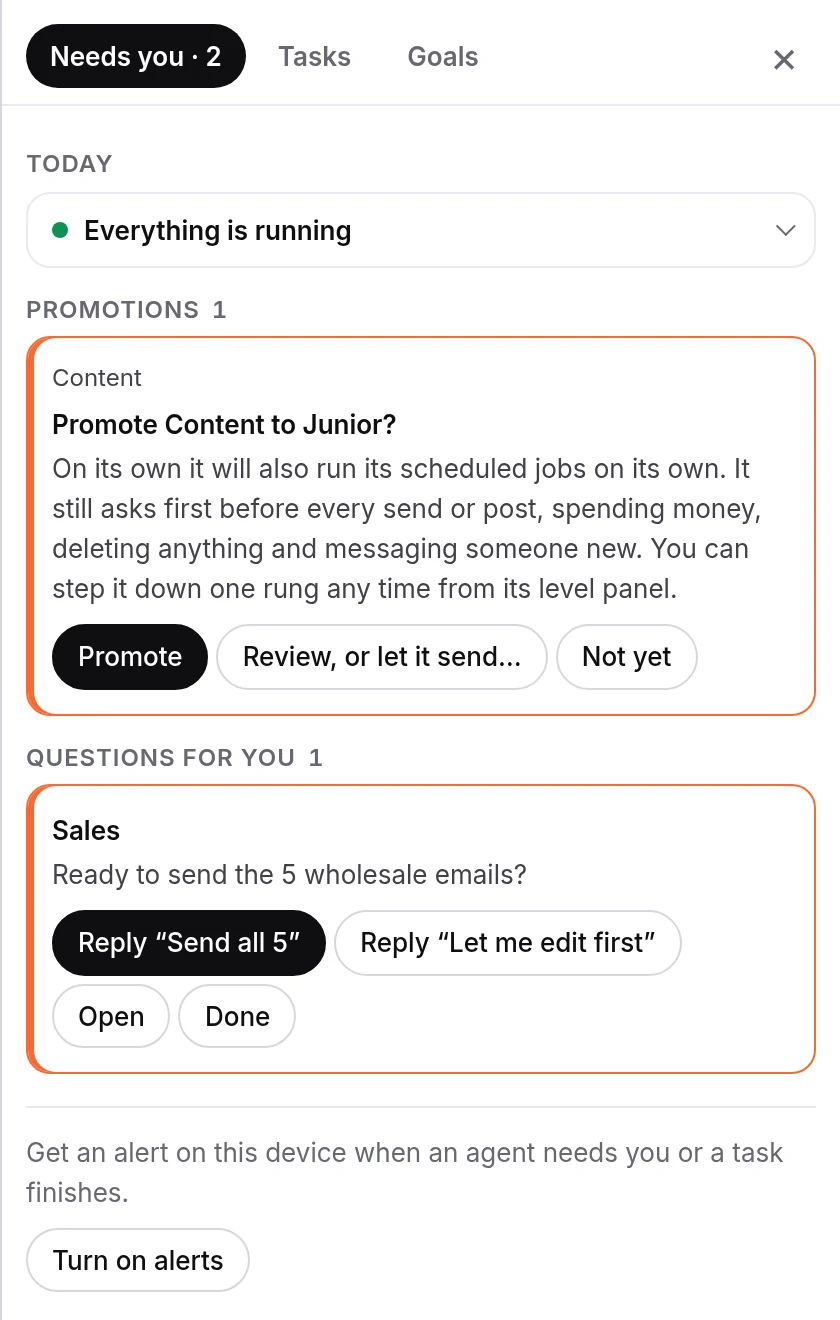
- Press Needs you at the top of the chat. The number on it is how many things are waiting.
- The drawer has Needs you and Tasks tabs, and Goals if your workspace has a task board.
- Items are grouped, for example Questions for you, Logins and keys, Accounts to connect, Approvals and Jobs that need a look.
- Answer each one with its buttons:
- Questions for you: Reply, Open or Done.
- Logins and keys, when an agent asks to use a saved login: Allow once lets it do that one thing this one time. Deny means it won't be used.
- Accounts to connect: Connect.
- Approvals: Approve… or Reject…, or Open to see where it was asked.
- Jobs that need a look: Open, or Stop one that is taking longer than planned.
- "That ask had already ended" means the agent stopped waiting; nothing to do.
- When the list is empty you see "Nothing needs you."
Get an alert when something needs you
Open Needs you and press Turn on alerts (under Today). Press Send a test to check it works. On an iPhone, first add the console to your Home Screen (Safari: Share, then Add to Home Screen), then turn alerts on from there.
To get a phone call when an agent is stuck on a decision, see Call me.
If you see "Alerts are blocked for this site in your browser settings", allow notifications for ipsion.ai in your browser's site settings.
Needs you is also in the phone app: tap the inbox icon on its home screen. There you can answer questions, approve or reject, and open or stop a job. Some accounts, such as LinkedIn, show Sign in with there too; Logins and keys asks, and the other accounts, are done on the web or in the Mac app.
Didn’t answer your question? Email support@ipsion.ai and say what you were trying to do.