Help · Using Ipsion
Give your agents access: GitHub, Google, and other accounts
Your agents can only use accounts you connect. Never paste a password or key into chat: the console stops it and points you to a safe place.
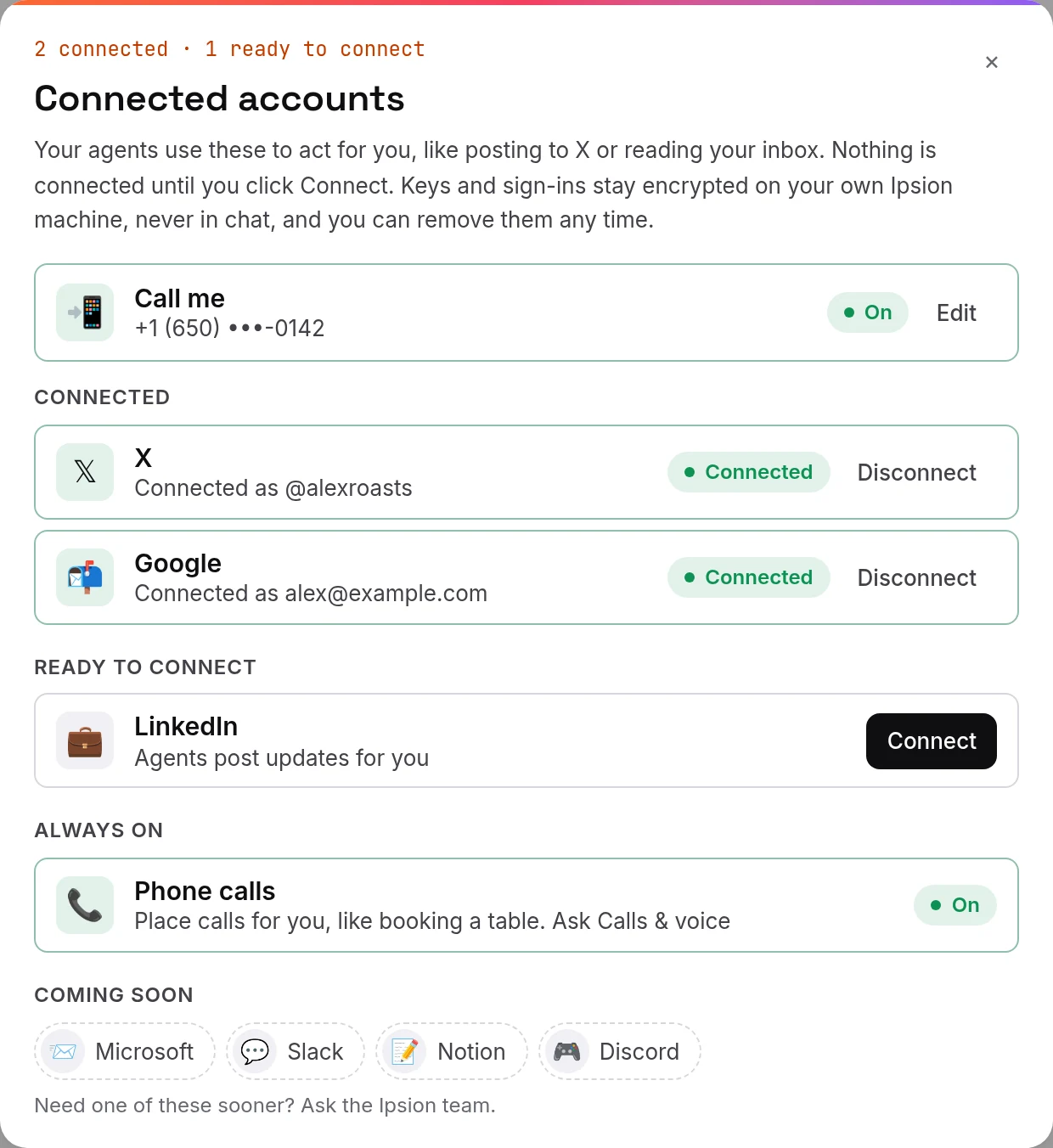
See what's connected
Press Connected accounts (the link icon next to your name, at the bottom of the channel list). Each account shows whether it is connected, ready to connect, or coming soon.
When an agent asks for an account
- Ask the agent for the work, for example "update the code in my GitHub repo".
- If it needs access, a Connect card opens on the right of the chat, and the ask also shows in Needs you.
- Follow the card. For GitHub, it asks for a GitHub personal access token, which you create at github.com/settings/tokens.
- What you enter goes into your saved logins and keys on your own Ipsion server. It is never shown in chat; your agents ask to use it, and you can see every use.
Google Drive and Docs links
Connecting Google gives your agents Gmail and Calendar. It doesn't open your Drive. If an agent can't open a Drive or Docs link, download the file and attach it to your message instead.
When a site wants you to sign in
Some work happens in a browser your agents use. If a site needs your sign-in, open the browser view, press Take over, sign in yourself, then press Hand back or I'm signed in.
Accounts marked "Coming soon: ask the Ipsion team" can't be connected yet.
Didn’t answer your question? Email support@ipsion.ai and say what you were trying to do.