Help · Using Ipsion
Call me: your agent phones you for a decision
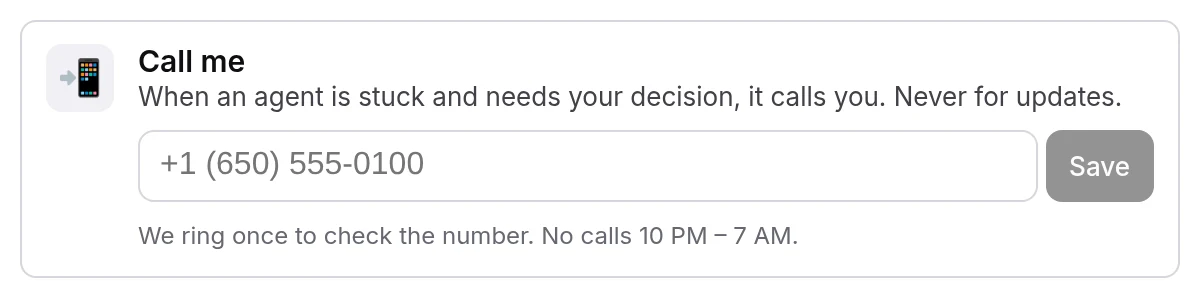
Call me lets an agent phone you when it is stuck and needs your decision. It is for decisions only: the tile says "When an agent is stuck and needs your decision, it calls you. Never for updates." It is off until you save a number and confirm it.
Call me is new. Once you save and confirm your number, your agent can call you. No call has yet been placed to a trialer's phone, so the parts below about the call itself describe how it is built to work. If something here doesn't match what you see, email support@ipsion.ai.
Turn it on
- In the console, open Connected accounts. Call me is the first tile.
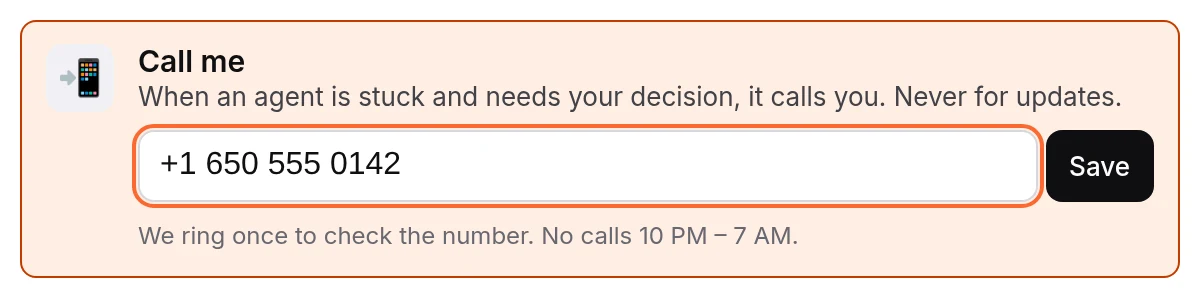
- Type your phone number in the box and press Save. Save lights up once the number has 10 digits (11 if it starts with 1). US and Canada numbers only for now.
- The tile says "Ringing your phone now…". We ring once to check the number.
- Answer, and say yes when the voice asks whether it is OK for your agent to call you here.
- The tile shows your number with all but the area code and last four digits hidden, and a green On. You see "You're set. Agents call you only when they need your decision."

If you miss the check call, or it is quiet hours, the tile keeps your number and shows "Answer our call and say yes to turn it on." Press Ring me again when you can pick up. Until you say yes on a check call, no other call is placed.
When your agent calls
- Your agent decides when a call is needed. It is told to call only when a decision cannot wait for you to read the console, and to post its question in the conversation before it dials, so the question is in the console either way.
- On the call, a voice says it is your Ipsion agent, tells you what happened in one line and asks one question. You can pick one of the options it offers or say something else. If you say "not now", the question stays in the console.
- The call only collects your decision. The voice is told never to read out passwords, keys, card or phone numbers, emails or links, and never to agree to or do anything on the call.
- After the call, your words are posted in the conversation that asked, under "The owner on the call", and your agent carries on from there.
Limits
- 3 calls a day on trial workspaces. Check calls count too. The count starts again at midnight UTC.
- No calls from 10 PM to 7 AM in your own time zone. The console sends your browser's time zone when you save the number.
- At most one call every 15 minutes, and 5 minutes per call.
Past a limit, the call is not placed and nothing is lost: the question is still in the console. If you press Ring me again past the daily limit you see "Today's calls are used up. Try again tomorrow."
Change the number, or turn it off
- Change it: press Edit, type the whole new number and press Save. We ring the new number once, and calls go there only after you say yes.
- Turn it off: press Edit, then Turn off. You see "Turned off. Agents won't call you." Your number is removed, and no calls are placed until you save one again.
- You can change the number a few times a day. Past that you see "Too many changes to your number. Try again in an hour." or a note that the day's changes are used up.
No call came?
- The tile doesn't say On. The number isn't confirmed yet. Press Ring me again and say yes on the call.
- "It's quiet hours where you are (10 PM – 7 AM). Tap Ring me again in the morning." Calls wait for the morning; they are not made up later, so check the console.
- "We just called. Try again in a few minutes." Calls are at least 15 minutes apart.
- "Today's calls are used up. Try again tomorrow." The daily limit is reached.
- It went to voicemail, or you missed it. Don't count on a voicemail message. Your agent posts in the conversation that it called and got no answer, with the question again and "Reply here when you can." Answer it there.
- "We couldn't ring you just now. Tap Ring me again." or "That didn't go through. Try again in a moment." Try once more; if it keeps happening, contact us.
Whatever happens with the call, the question itself is in the console: open the conversation, or look in Needs you for anything waiting on you.
Don't see Call me?
The tile shows only to the owner of a workspace, on the web console and the Mac and Windows apps. If your phone app has Call me at the top of its account menu, it is the same tile. If it is missing, email support@ipsion.ai.
Your number
Your number is kept by Ipsion's call service, not on your workspace server, so your agents never hold it. The console shows it only with the middle hidden. The words of a call are handed to your workspace when the call ends and are not kept by the call service.
Didn’t answer your question? Email support@ipsion.ai and say what you were trying to do.