Help · Getting started
Sign in, reset your password, or use an invitation link
Sign in
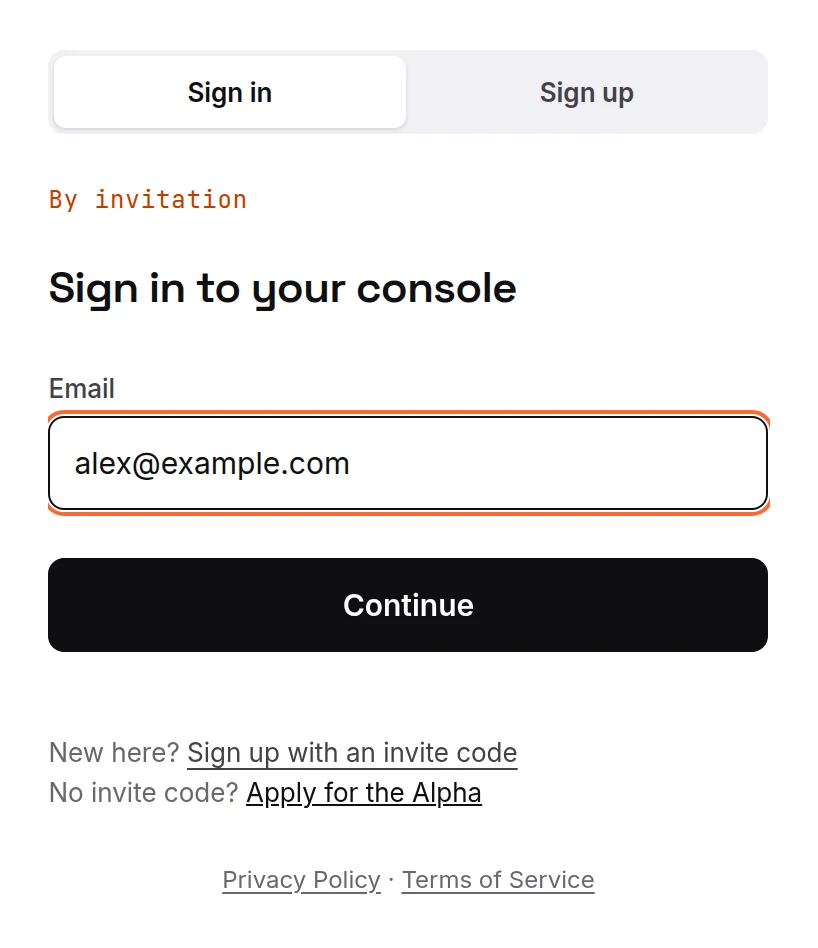
- Go to ipsion.ai/trial/login.
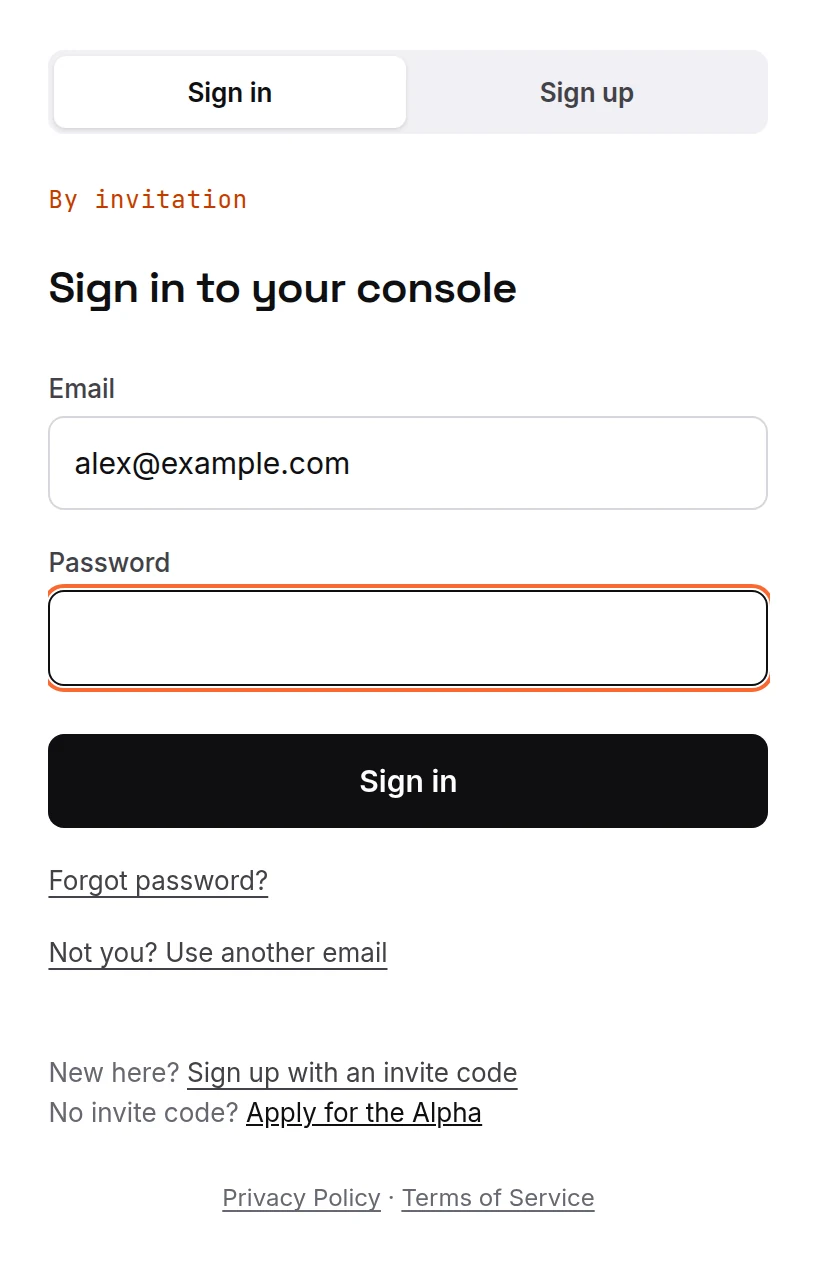
- Enter your email, then your password. Sign-in is by email and password only; there is no "Sign in with Google" yet.
Forgot your password
- On the password step, press Forgot password?
- Look for an email from Ipsion AI called "Reset your Ipsion AI password". The link in it expires in an hour. Not there within a few minutes? Check your Spam folder.
Got an invitation link
Some people get a one-time sign-in link instead of a code.
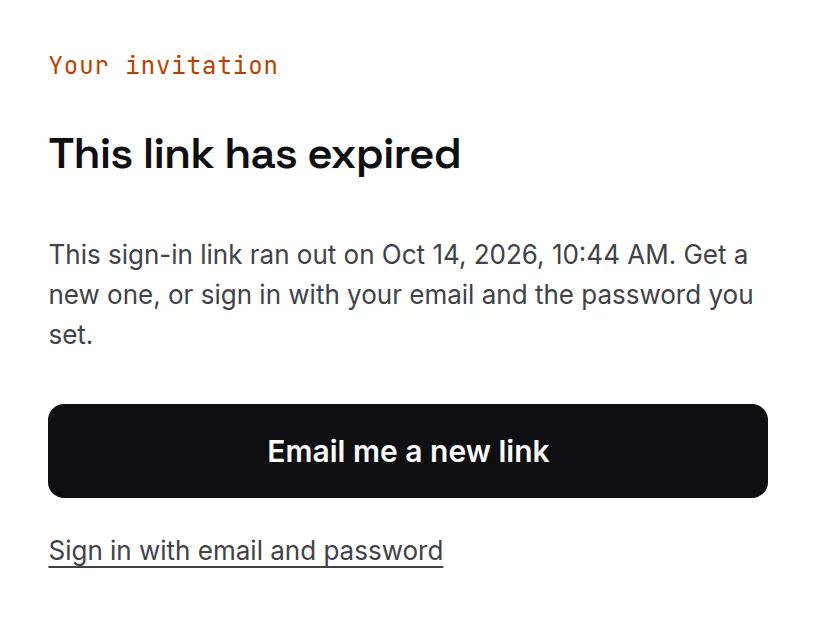
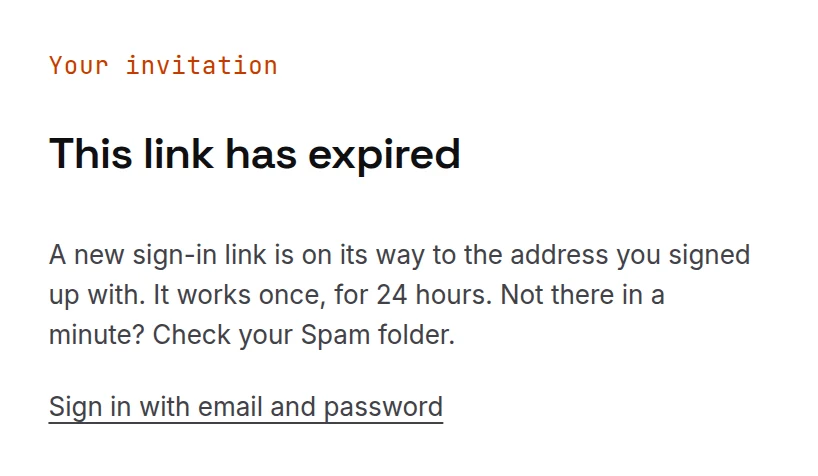
- The link works once, for 24 hours. If you see "This link has already been used" or "This link has expired", press Email me a new link. A new link goes to the email you signed up with, and it too works once, for 24 hours. If the page instead offers to email the person who invited you, do that.
- The first time you get in, the console asks you to set your own password. Do it then, so you can come back any time without a new link.
Messages you might see
- "That email and password don't match": try again, or reset your password.
- "Too many attempts. Wait a minute, then try again."
- "Can't reach the sign-in service": check your internet connection.
- "This account is turned off": email support@ipsion.ai.
Didn’t answer your question? Email support@ipsion.ai and say what you were trying to do.